I have made these files available locally for your convenience. However, you should check the official site for updates to these tools.
Local Downloads
Run on Windows
To run under Windows, you simply need to execute the Eclipse program. If you've installed into the root
of the D drive, that would be: D:\eclipse\eclipse.exe. You should be good to go. If you need help,
read the online help.
Install/Run on Linux
Hey, if you're running Linux, you don't need any help!
Screenshots
The Eclipse IDE:
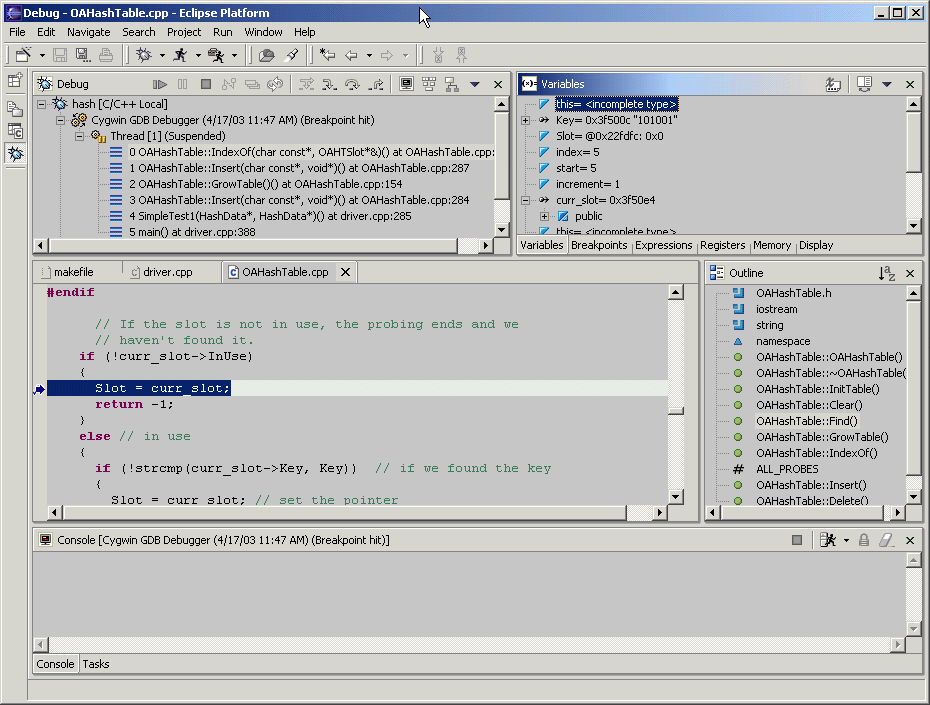
The Eclipse Debugger:
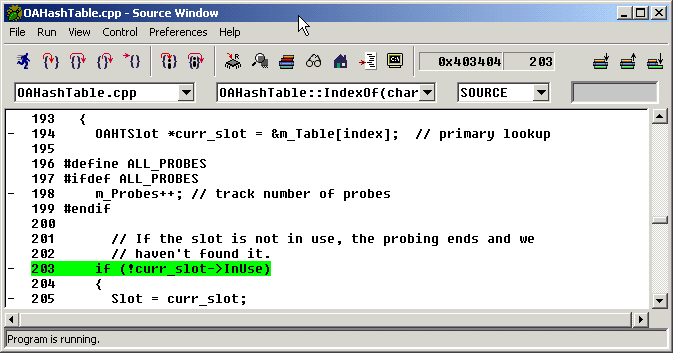
Main window in gdb:
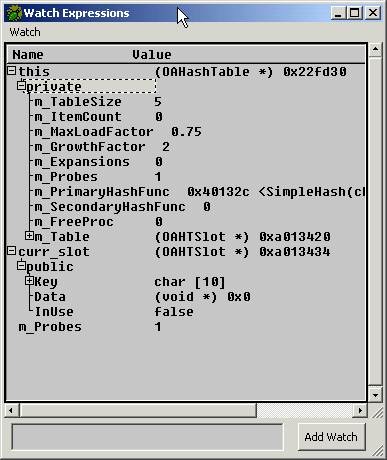
Watch window in gdb:
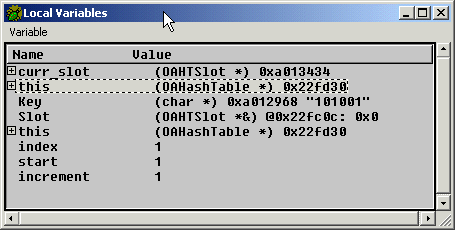
Local variables in gdb:
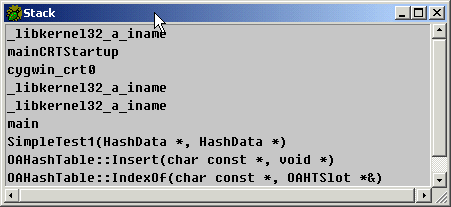
Call stack in gdb: